

The short answer: YouTube recommends a 3840×2160 pixel thumbnail for regular videos, in a 16:9 ratio, as a JPG or PNG. The minimum width is 640 pixels. The file can be up to 50 MB if you upload from a computer, but only 2 MB if you upload from a phone.
That last number catches a lot of people out, and we hit it ourselves while making the examples for this guide.
All figures here come from YouTube's help page on custom thumbnails, checked on 9 November 2026.
YouTube thumbnail size at a glance
Regular videos:
- Recommended size: 3840×2160 pixels
- Minimum width: 640 pixels
- Aspect ratio: 16:9
- File types: JPG or PNG
- Maximum file size: 2 MB from mobile, 50 MB from a computer
Shorts:
- Recommended size: 2160×3840 pixels
- Minimum height: 640 pixels
- Aspect ratio: 9:16
- Upload: YouTube Studio on a computer only
Podcast playlists:
- Aspect ratio: 1:1
- Maximum file size: 10 MB from mobile, 50 MB from a computer
Is 1280×720 still the right size?
You will still see 1280×720 and "under 2 MB" on a lot of guides. That was YouTube's advice for years, and plenty of articles never updated. When we checked the pages ranking for this topic, some still mentioned only 1280×720.
A 1280×720 thumbnail still uploads and still works. It is well above the 640 pixel minimum. But YouTube now asks for the image to be "as large as possible", partly because the same file is used as the preview image in embedded players.
If you are making new thumbnails, export at 3840×2160. If you have a back catalogue at 1280×720, there is no need to redo it.
The file size limit depends on where you upload
Several of the guides we checked mention only the 2 MB limit. YouTube actually has two:
- 2 MB when you upload from a phone
- 50 MB when you upload from a computer
A large PNG goes past 2 MB easily. Every 16:9 example in this guide came out of Lunzo as a PNG between 1.9 and 2.3 MB, at roughly 1376×768. At 4K, the exports were 5504×3072 and between 23 and 25 MB.

All of those upload fine from a computer. From a phone, the 1K files sit right at the limit and the 4K files are far over it.
The fix is to save a JPG copy. We took the 23 MB 4K export, resized it to 3840 pixels wide and saved it as a JPG at 85% quality. The result was 1.07 MB, small enough for both limits, and we couldn't see a difference at thumbnail size. Most image editors can do this from their export menu, including Preview on a Mac.
Shorts thumbnails
Shorts use a vertical 9:16 thumbnail. YouTube recommends 2160×3840 pixels, with a minimum height of 640.
Two restrictions apply. You can only add a custom Shorts thumbnail in YouTube Studio on a computer, and your account has to be verified.
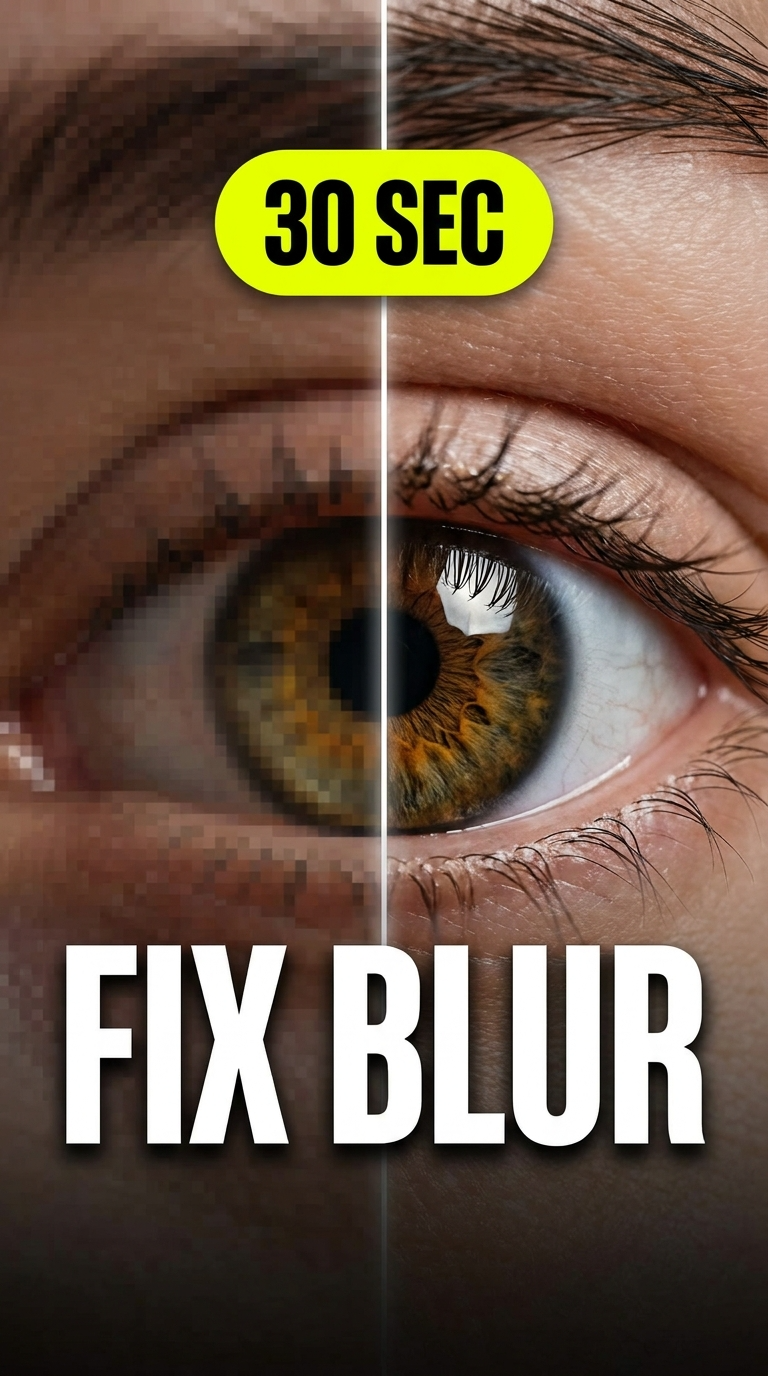
There is one more detail worth knowing. If you upload a vertical video with a 16:9 thumbnail, YouTube replaces it with an automatically generated 4:5 image on the home, Explore and subscriptions pages. Your custom thumbnail still shows in the watch feed, watch history and on non-mobile platforms. If the video is vertical, make the thumbnail vertical too.
Leave the bottom-right corner clear
YouTube places the video length over the bottom-right corner of every thumbnail. Anything you put there, like a price, a number or the end of your headline, can end up covered.
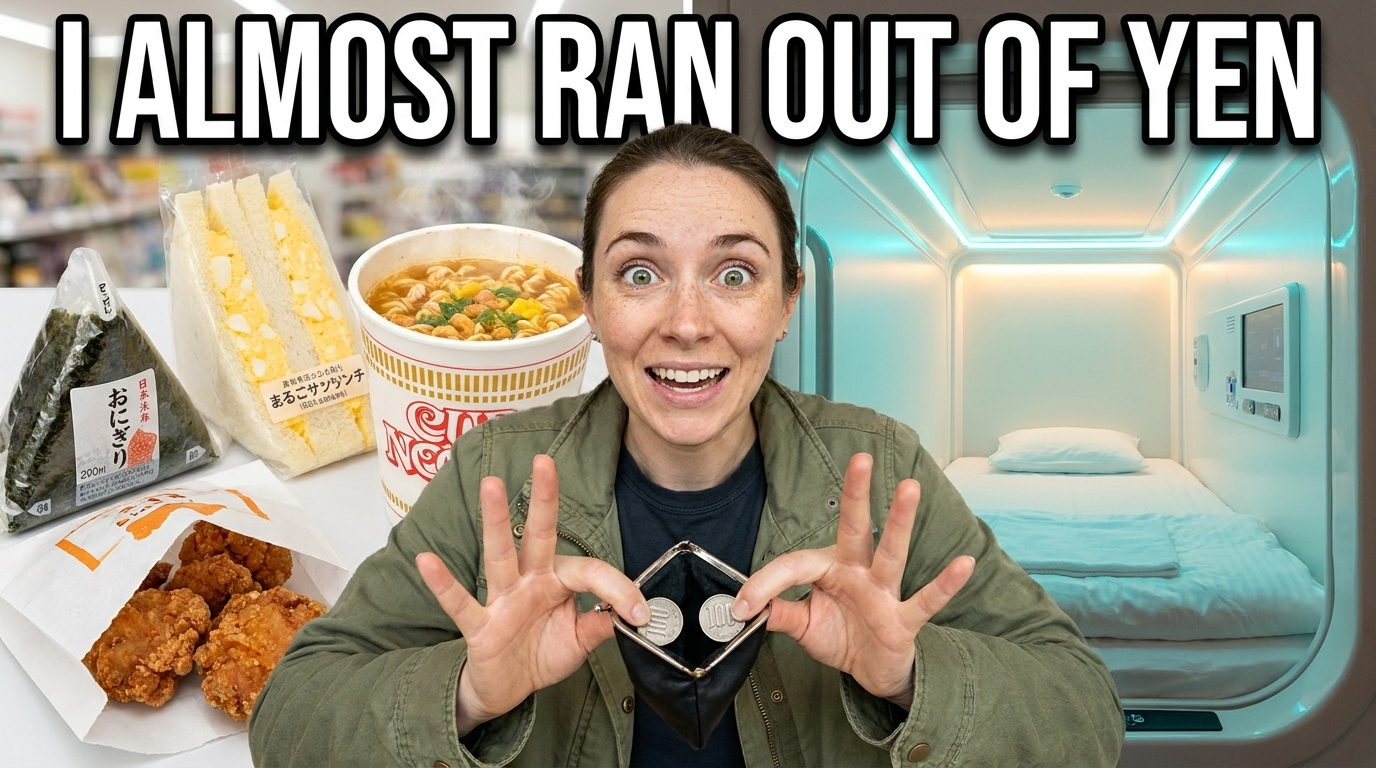
You don't need the whole title on the thumbnail
Your title is already printed next to the thumbnail. The image does better when it adds something the title doesn't say.
We tested this with a long title, "10 Budget Laptops Under $500 Ranked From Worst to Best". The thumbnail Lunzo made didn't try to fit all of it. It used a short headline and two labels, "#10 worst" and "#1 best", which you can read at phone size.

The same goes for the text you do use. It has to match the video. One of our test thumbnails, for a video called "How I Edit YouTube Videos 3x Faster", came back with the headline "Edit a full video in 45 min". That looks fine, but if the video never mentions 45 minutes, it is a promise the video doesn't keep. Check the claim before you upload.
Check AI-made thumbnails before you upload
AI tools can draw small text badly. One of our 4K attempts had a clean headline, but the mock-up screens in the middle were full of made-up words, and two labels appeared twice.
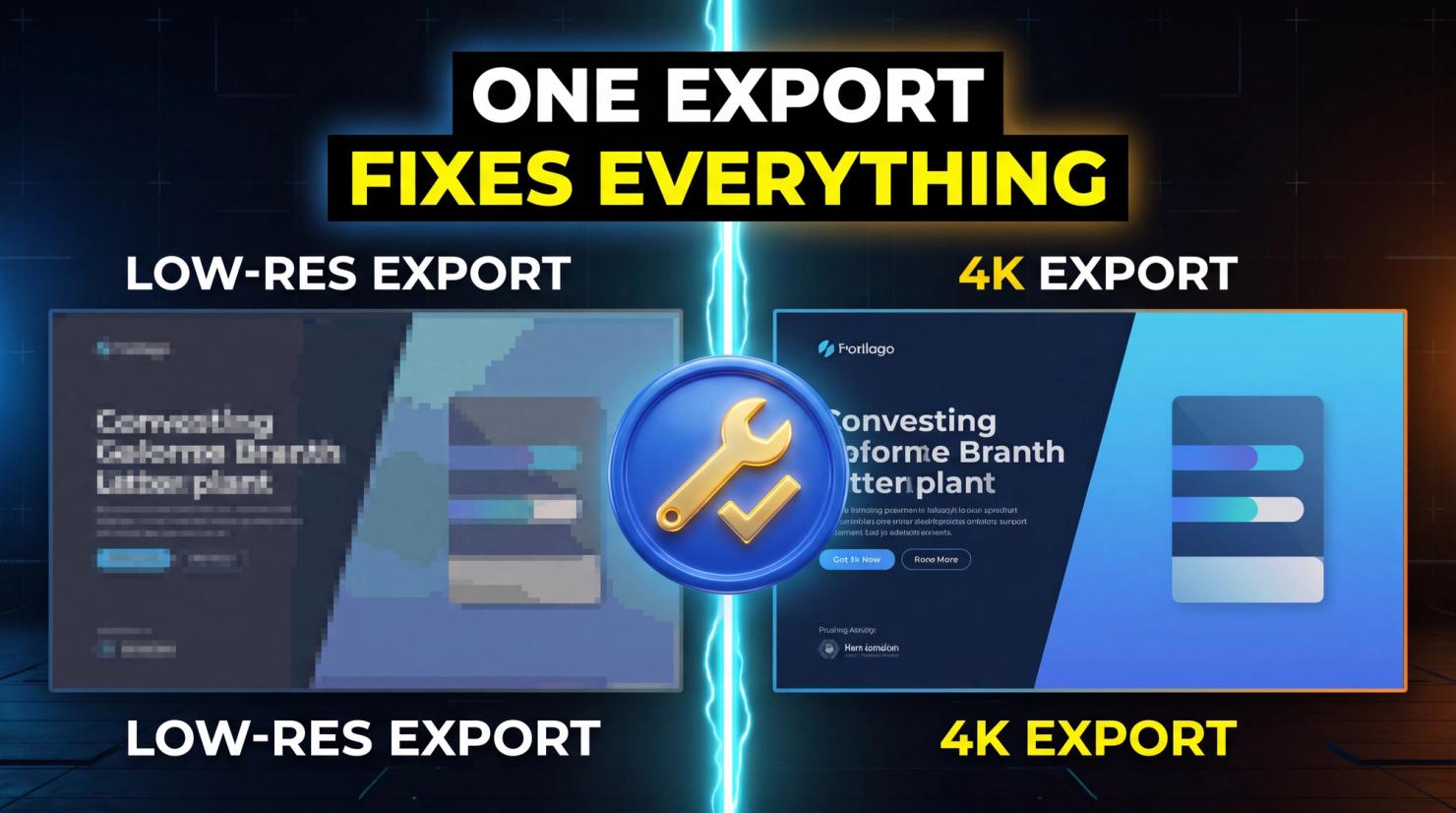
At thumbnail size, most viewers won't read the small text. Some will, and it looks careless. We regenerated it with a prompt that asked for no small text, no screens and no extra labels, and used that version as the cover of this article.
A quick checklist before you upload
- 16:9 for videos, 9:16 for Shorts, 1:1 for podcast playlists
- At least 640 pixels wide for video thumbnails, ideally 3840×2160
- JPG or PNG, under 2 MB if you upload from a phone
- Nothing important in the bottom-right corner
- Text short enough to read on a phone
- The text matches what happens in the video
- No garbled words or duplicated elements, if an AI tool made it
Making a thumbnail at the right size
If you'd rather not set this up by hand, Lunzo's YouTube thumbnail maker creates thumbnails in YouTube's 16:9 format from your video title. It asks a few questions about the concept, the main character and the headline, then makes the image. You can use your own face and brand, and depending on the model and your plan it exports at up to 4K, larger than 3840×2160. Every thumbnail in this guide was made with it, including the ones with problems.